Run your own newsletter with Cloudflare Workers and D1
The open template provides signup, unsubscribe, queue, and database in your own Cloudflare account. A deploy button sets up Worker, D1, and CI without a local server.
With a hosted newsletter service, the recipient list resides with the provider, and costs often rise with the number of subscribers. Running your own server provides more control, but entails ongoing work: updates, monitoring, backups, and operating a system that may only send once a week.
For this lean use case, HTTP endpoints, a small database, and a scheduled sending job are sufficient. Cloudflare Workers and D1 provide exactly these building blocks. My open template sets them up in your own account via a Deploy to Cloudflare button. No local command line or server requiring ongoing maintenance is needed. The MIT-licensed source code is available on GitHub.

What the template can do
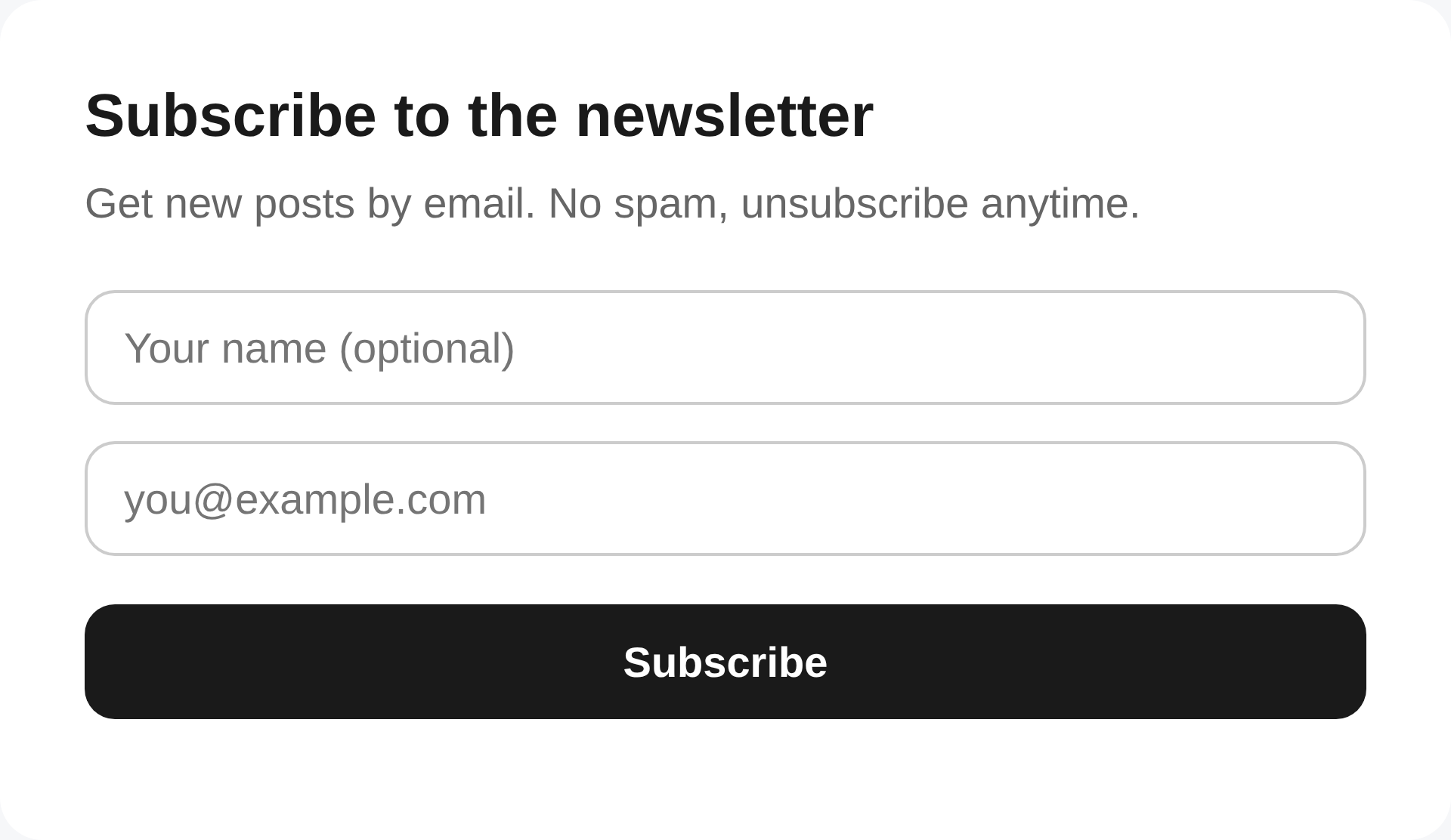
- Signup: a hosted signup page, an embeddable form for your own website, and a JSON endpoint
- One-click unsubscribe: compliant with RFC 8058, with an individual token per subscriber
- Required information built in: Every email automatically receives a footer with an unsubscribe link and mailing address; consent and unsubscribe timestamps are stored
- Sending: On a protected page, you can enter the subject and HTML, send a test email, and queue the campaign; a background job sends in batches and retries failed attempts
- Your own data: Subscribers are stored in a D1 database in your account and can be exported at any time
- Optional, disabled by default: Double opt-in, bot protection via Turnstile, and automatic sending of new blog posts from the RSS feed
Architecture: one Worker, one database
The entire system is a single Cloudflare Worker with two handlers: fetch for HTTP (routed with Hono) and scheduled for the cron trigger, plus a D1 database. There is no second service, no separate queue broker, no custom admin backend; even the sending queue is just a D1 table.
| Route | Function |
|---|---|
GET / | Hosted signup page |
GET /embed | Transparent form for embedding via iframe |
POST /api/subscribe | Signup (CORS-enabled for your own website) |
GET /confirm | Confirmation link for double opt-in |
GET/POST /unsubscribe | Unsubscribe: confirmation page via GET, execution via POST (one-click according to RFC 8058) |
GET /admin | Sending page (form) |
POST /api/send | Queue campaign, protected by admin token |
The data model comprises four tables: subscribers (email as the primary key, name, status, unsubscribe and confirmation tokens, a JSON column for custom additional fields, plus timestamps for confirmation and unsubscription), campaigns with subject, content, and counters for each mailing, outbox as the sending queue (one row per recipient), and sent_posts for deduplicating RSS delivery.
Deployment without a command line
More interesting than the code is the path to a running system. The Deploy to Cloudflare button reads the repository’s Wrangler configuration and handles the complete setup: it clones the repository into your own GitHub account, provisions the D1 database, runs the schema migrations, and sets up CI so that every push deploys automatically. Since July 2025, the deploy flow has also prompted for environment variables and secrets directly in the form: for this template, the admin password (ADMIN_TOKEN), sender name and address, the double-opt-in switch, and the sending batch size (SEND_BATCH).
The result after one click and one form: The signup page is live at https://<worker-name>.workers.dev and collects subscribers. A terminal is never opened.
Collecting subscribers
There are three ways to integrate it into your own website, in increasing order of integration depth. The simplest is sharing the link to the hosted signup page. The most practical option for site builders (WordPress, Webflow, Squarespace, Framer) is a one-line iframe in any HTML embed block.
<iframe
  src="https://<worker-name>.workers.dev/embed"
  style="width:100%;max-width:420px;height:90px;border:0"
></iframe>
If you want the form in your own design, post directly to the endpoint:
<form
  onsubmit="event.preventDefault();
  fetch('https://<worker-name>.workers.dev/api/subscribe', {
    method:'POST', headers:{'Content-Type':'application/json'},
    body: JSON.stringify({ email: this.email.value })
  }).then(()=>this.reset());"
>
  <input name="email" type="email" placeholder="you@example.com" required />
  <button>Abonnieren</button>
</form>
By default, the form collects email and optionally a name. Define additional fields (company, country, …) in a single file (src/fields.ts); they automatically appear on both forms and are stored as JSON in the database.
Sending: your own provider instead of a built-in vendor
For email delivery, the template makes a deliberate choice: it is provider-agnostic. The file src/email.ts contains a single sendEmail() adapter with a commented example for a generic HTTP API. Which sending service you connect there is up to you. No provider is hardwired, and registration with any specific service is not required. Collecting subscribers works completely without sending configuration; sending is enabled once the adapter is implemented and the provider secret is set. If the provider also offers a batch endpoint (one API call, many emails), an optional sendEmailBatch() adapter can be added in the same file; a commented example is provided for that as well.
Sending is managed through the /admin page: enter the subject and email HTML, send a test to your own address, then queue the campaign for all subscribers. The merge tags {{unsubscribe_url}}, {{email}}, and {{name}} are available in emails.
Actual delivery happens in the background, following the transactional outbox pattern: POST /api/send writes the campaign and one row per recipient to the database, then responds immediately. A minute-by-minute cron job subsequently delivers SEND_BATCH emails per run, 40 by default: chosen so that each run stays within the subrequest limits of the Workers Free plan. Rows are claimed atomically, so overlapping runs can never send twice; failed deliveries are retried up to three times, and crashed runs resume after ten minutes. And anyone who unsubscribes while their email is still in the queue will no longer receive it: opting out also cancels messages that have already been queued.
Unsubscribing and records are core features
Anyone sending a newsletter is subject to anti-spam and data protection law: the US CAN-SPAM Act, the GDPR and ePrivacy rules in the EU, and the UWG in Switzerland. A substantial part of what newsletter services are paid for is fulfilling precisely these requirements. The template handles the mechanical part:
- Required footer: Every campaign email automatically receives a footer with a working unsubscribe link and the sender’s mailing address (
SENDER_ADDRESS); CAN-SPAM requires a physical address in commercial emails. The sending page warns as long as the address is missing. - RFC 8058 List-Unsubscribe headers on every mailing: the native unsubscribe button in Gmail and Outlook, which Gmail and Yahoo have required from bulk senders since 2024. The app assembles the headers; your provider adapter only needs to pass them through.
- Scanner-safe unsubscribing: The unsubscribe link leads to a confirmation page with a single button. Corporate email scanners that prefetch every link in an email therefore cannot accidentally unsubscribe anyone; email clients use the one-click POST directly.
- Data minimization and proof: An opt-out takes effect immediately, deletes the name and additional fields, and is recorded with a timestamp, as are signup and double-opt-in confirmation. This makes consent demonstrable later (GDPR accountability).
- Privacy link: When
PRIVACY_URLis set, a link to your own privacy policy appears below the signup form.
The operator remains responsible for truthful sender and subject lines, sending only to genuinely subscribed addresses, and domain authentication (SPF/DKIM/DMARC) with the sending service. None of this constitutes legal advice.
Options: double opt-in, Turnstile, RSS automation
Three features are built in but disabled by default so the system remains usable without configuration:
- Double opt-in (
DOUBLE_OPT_IN = "true"): New subscribers are stored aspendingand only become active after clicking a confirmation link. For Switzerland (FADP) and the EU, this process is the cleaner choice. - Bot protection with Cloudflare Turnstile: Set the site and secret keys as variables; the widget automatically appears on both forms, and the Worker verifies every signup server-side. Signups without a valid token are rejected.
- RSS auto-send: A cron job checks your own blog feed (RSS 2.0 or Atom) every 15 minutes and automatically queues new posts for delivery. Two safeguards are built in: On the very first run, the existing feed is only marked as the baseline (so the archive is not sent as an email flood), and every article ID is recorded in
sent_posts, so no post is sent twice.
Limits
The template is deliberately minimal. In the Free plan, queued delivery sends around 40 emails per minute by default; a campaign to 1,000 recipients therefore takes about 25 minutes, which does not matter for a newsletter. In the paid Workers plan (10,000 subrequests per invocation instead of 50), SEND_BATCH can be raised into the hundreds; with a batch adapter (one API call, up to around 1,000 emails), even the Free plan sends large lists in a few minutes. As with any system, deliverability depends on your own sender domain: SPF, DKIM, and DMARC must be verified with the selected sending service, otherwise the newsletter will end up in spam. And the single-opt-in default is the simplest starting point, but not the most conservative compliance option; that is what the switch is for.
As for costs: Workers and D1 have generous Free Tier allowances (including 100,000 requests per day), which a signup form and weekly mailings to a small to medium-sized list do not exhaust. If a limit is reached, Cloudflare throttles on the Free plan instead of sending a bill.
Try it out
The source code, including the deploy button, is available on GitHub; the complete documentation of the configuration variables is available there as well.


Comments
Comments are loaded from GitHub / Giscus.