HIN Mailgateway 15.0.5: Fixing Login Failures After a Cluster Update
After updating an HIN Mailgateway cluster to version 15.0.5, login fails on both nodes after a few minutes. This procedure restores the appliances to operation in a controlled manner.
When updating an HIN Mailgateway from 14.1.4.2 to 15.0.5, an error in cluster replication can cause login failures on both appliances. Standalone systems are not affected. The manufacturer is aware of the issue and plans a fix for a future version.
Update from July 29, 2026: The announced fix is now available. Patch release 15.0.6 suppresses password rehashing when cluster members run different firmware versions. This is exactly the scenario that triggered the failure described here. Context is available in the article on SEPPmail 15.0.6 and 15.0.6.1; the following recovery procedure remains relevant for clusters that are still being updated to 15.0.5.
Symptoms
Immediately after the update, the web interface can still be opened. About ten minutes later, login fails on both cluster nodes. The fact that the error occurs after a delay and on both systems points to the replicated cluster configuration as the cause.
Recovery
The following steps modify the cluster configuration. Current backups and the cluster identifier must be available beforehand.
- Restore the snapshots of both cluster nodes that were created at the same time.
- After the restore, leave one node powered off.
- On the running node, first download the cluster identifier and then dissolve the cluster.
- Warning: After dissolving it, the appliance immediately reboots without further confirmation.
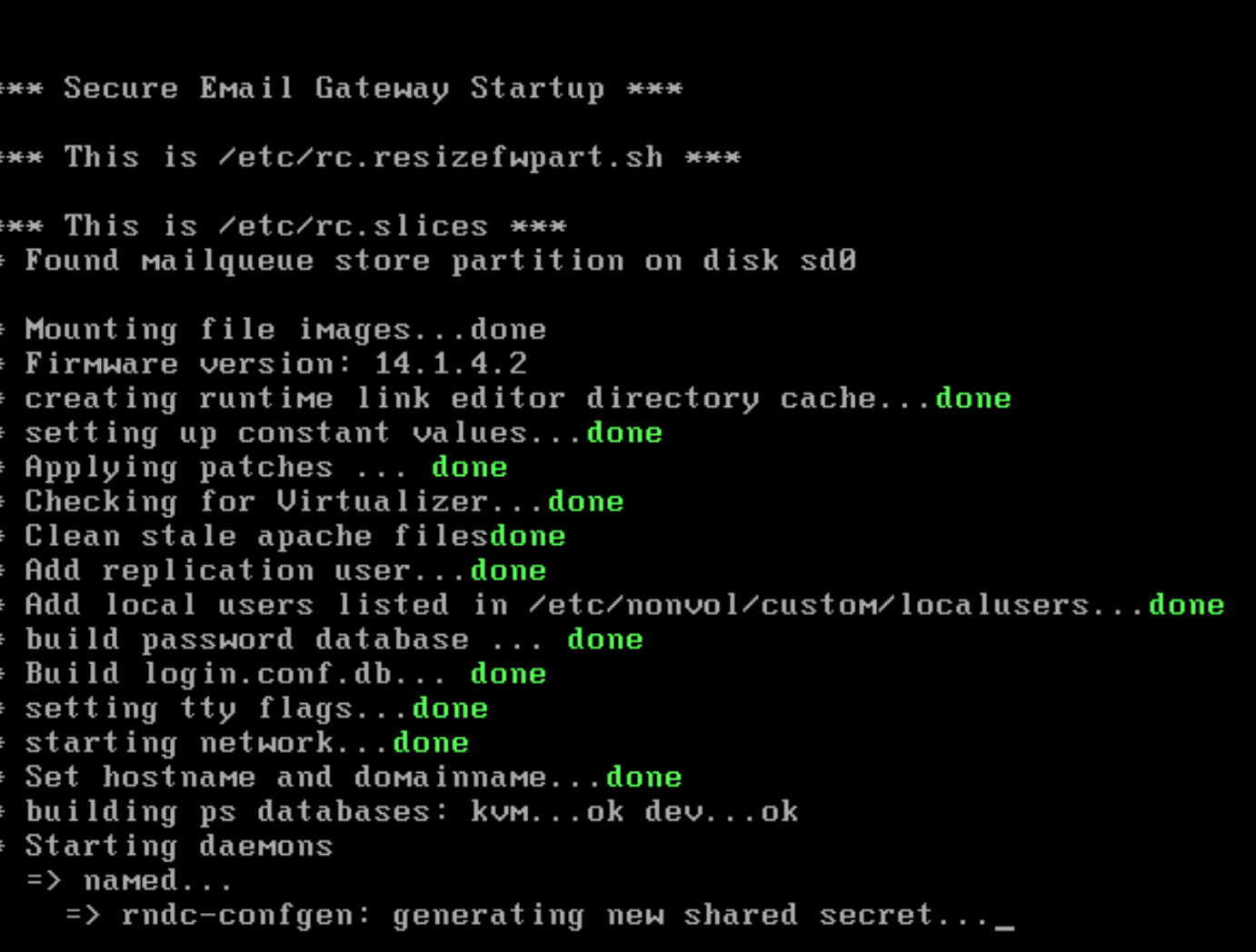
- Update the first node to version 15.0.5 and then shut it down.
- Start the second node and repeat the same steps there.
- Only once both systems work individually and have the same version, rebuild the cluster according to the manufacturer’s documentation.
This procedure prevents a faulty configuration from being replicated between the nodes again during the update.

Comments
Comments are loaded from GitHub / Giscus.